Prepare metric for Predictive scaling
Preparing Data for Predictive Scaling
Since Predictive Scaling requires more than 2 days worth of data to make predictions for the following days, and we don’t have this data available, we will need to simulate such an environment.
Preparation Steps
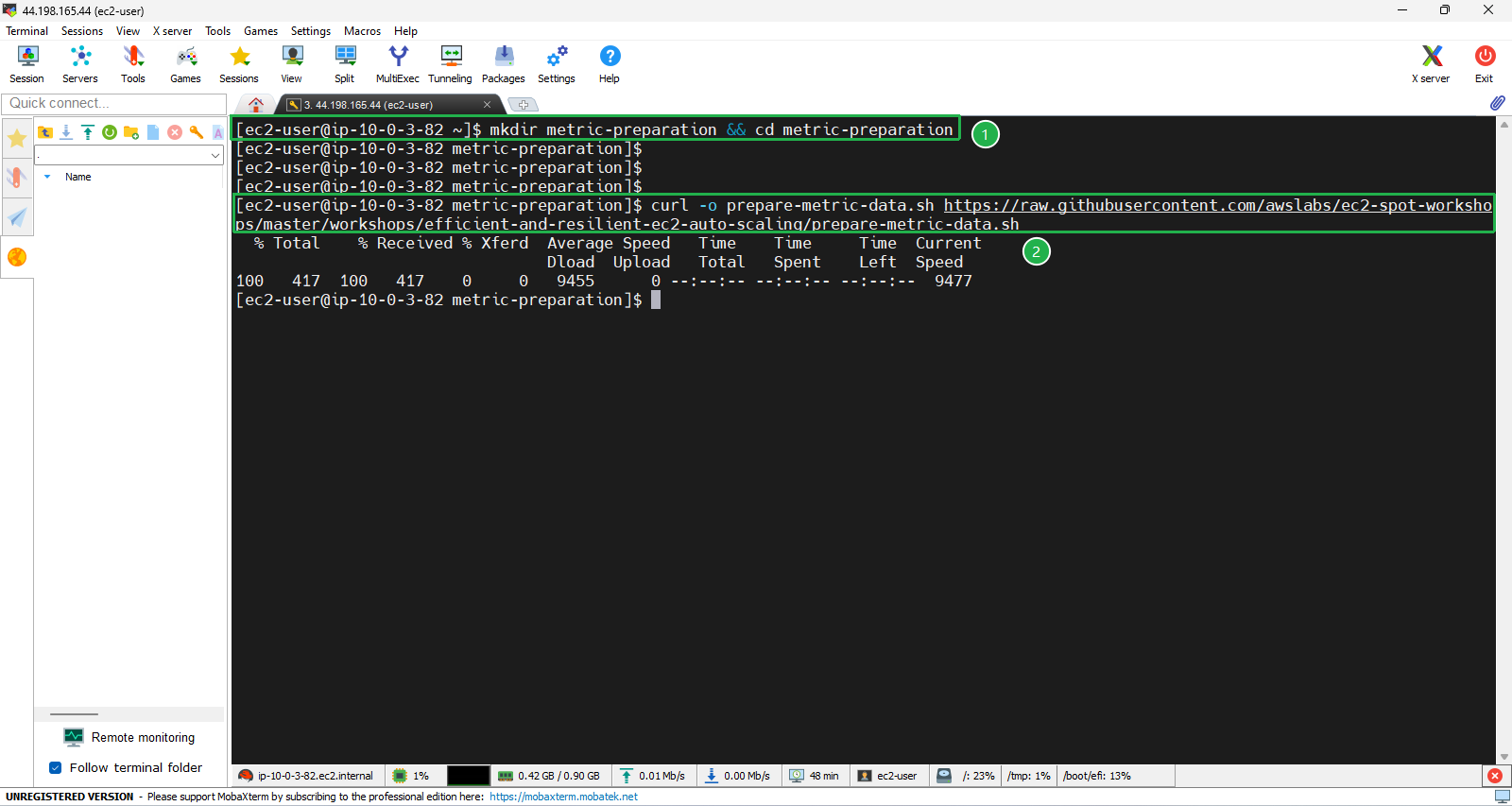
- First, create a new folder named
metric-preparationand navigate into this directory.
mkdir metric-preparation && cd metric-preparation
- Then, download the script to prepare the data.
curl -o prepare-metric-data.sh https://raw.githubusercontent.com/awslabs/ec2-spot-workshops/master/workshops/efficient-and-resilient-ec2-auto-scaling/prepare-metric-data.sh
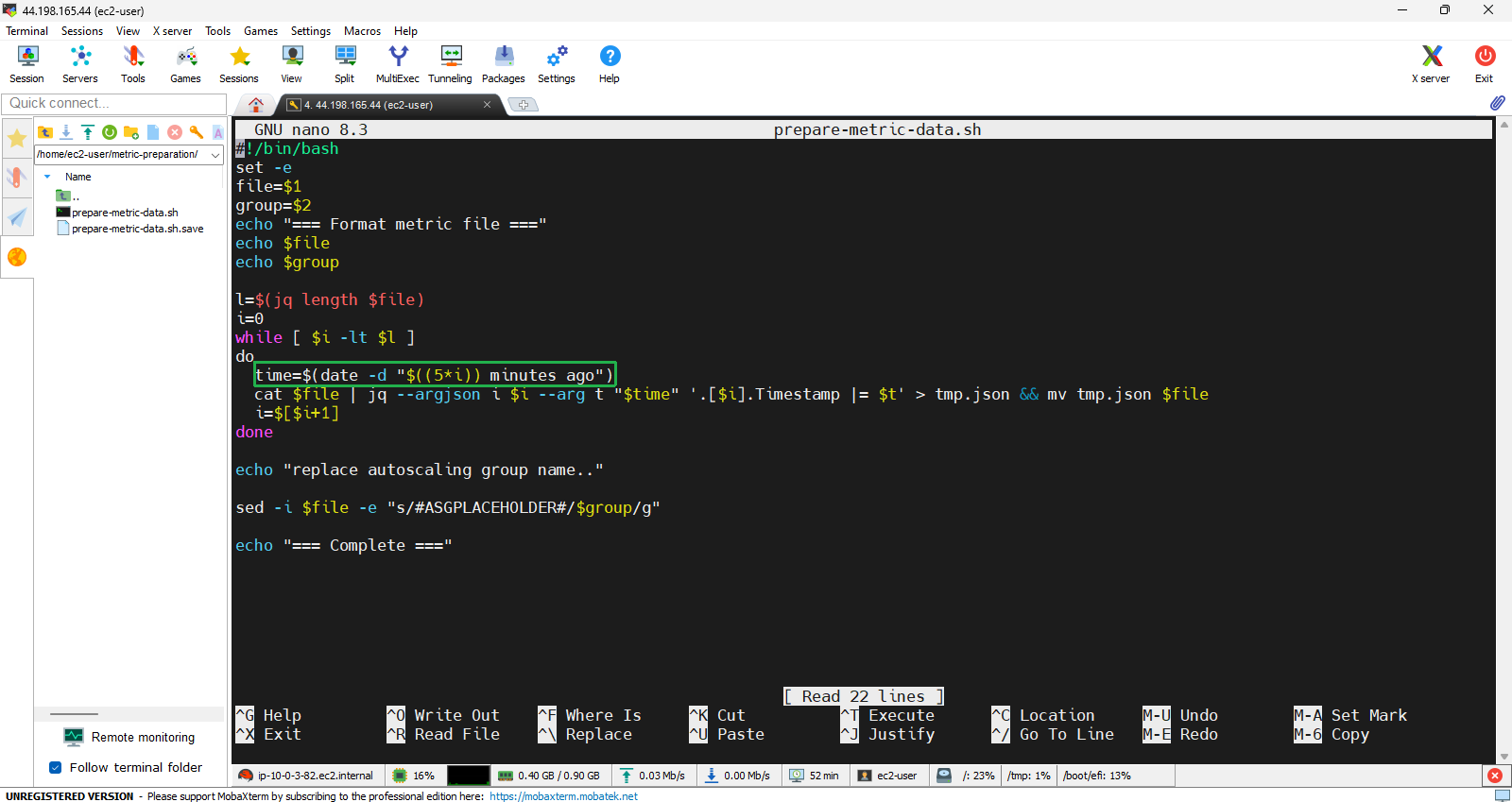
- After downloading, modify the script slightly.
nano prepare-metric-data.sh
Edit the time variable to:
time=$(date -d "$((5*i)) minutes ago")
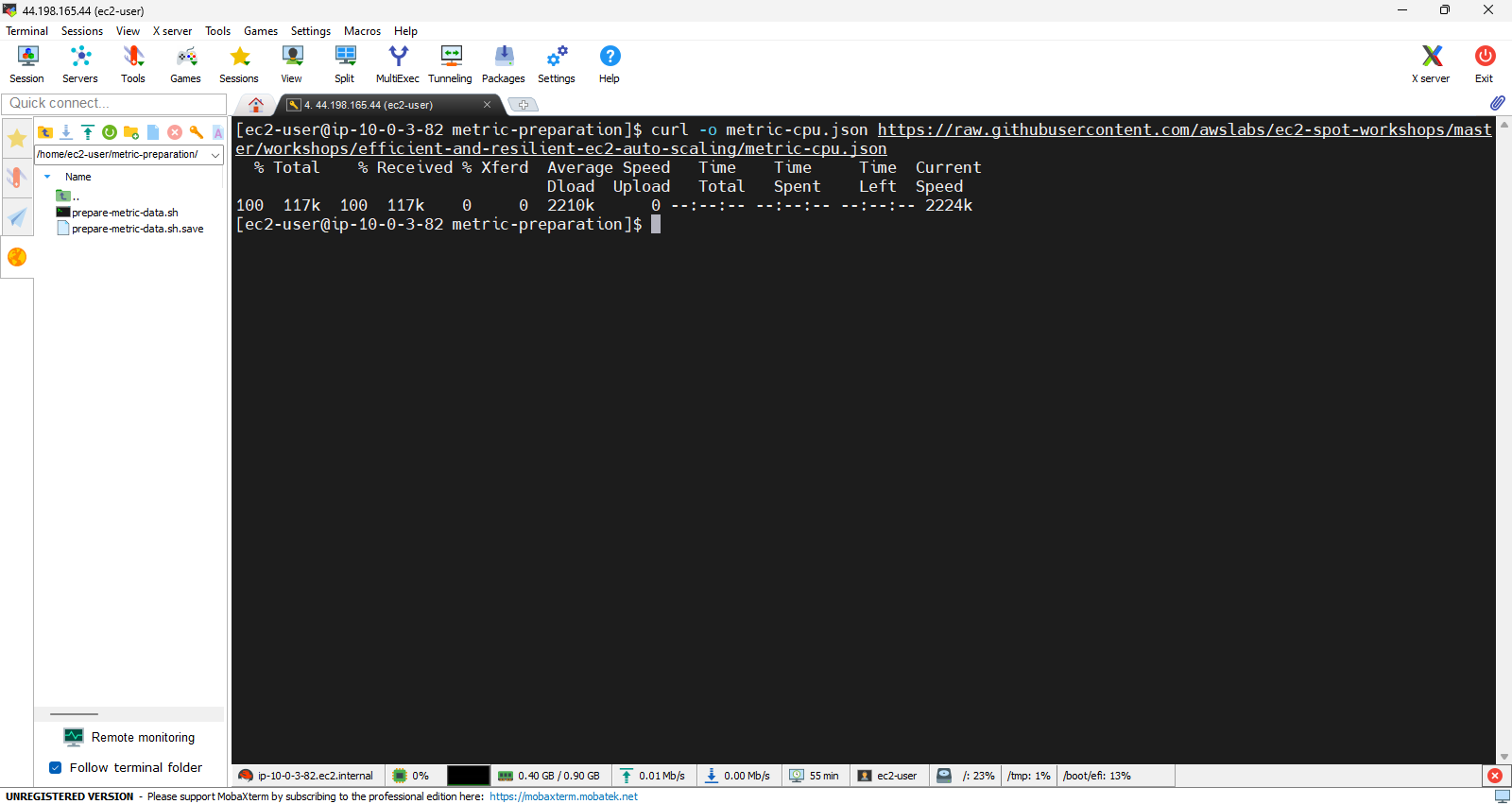
- Once the script is edited, proceed to download the raw data, which is why we need to prepare this data processing script first. Start with metrics for the CPU.
curl -o metric-cpu.json https://raw.githubusercontent.com/awslabs/ec2-spot-workshops/master/workshops/efficient-and-resilient-ec2-auto-scaling/metric-cpu.json
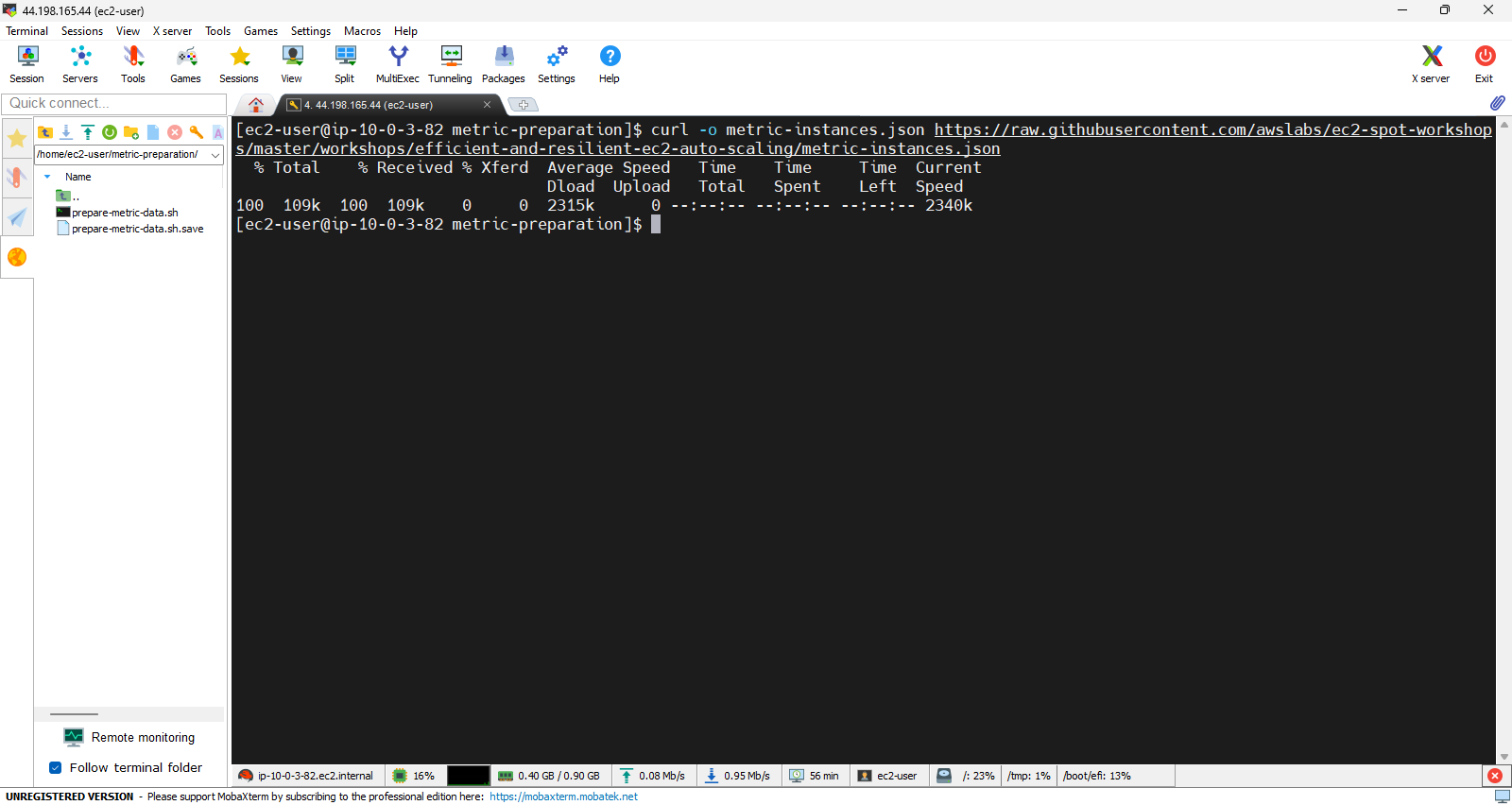
- Next, download the data for Instance.
curl -o metric-instances.json https://raw.githubusercontent.com/awslabs/ec2-spot-workshops/master/workshops/efficient-and-resilient-ec2-auto-scaling/metric-instances.json
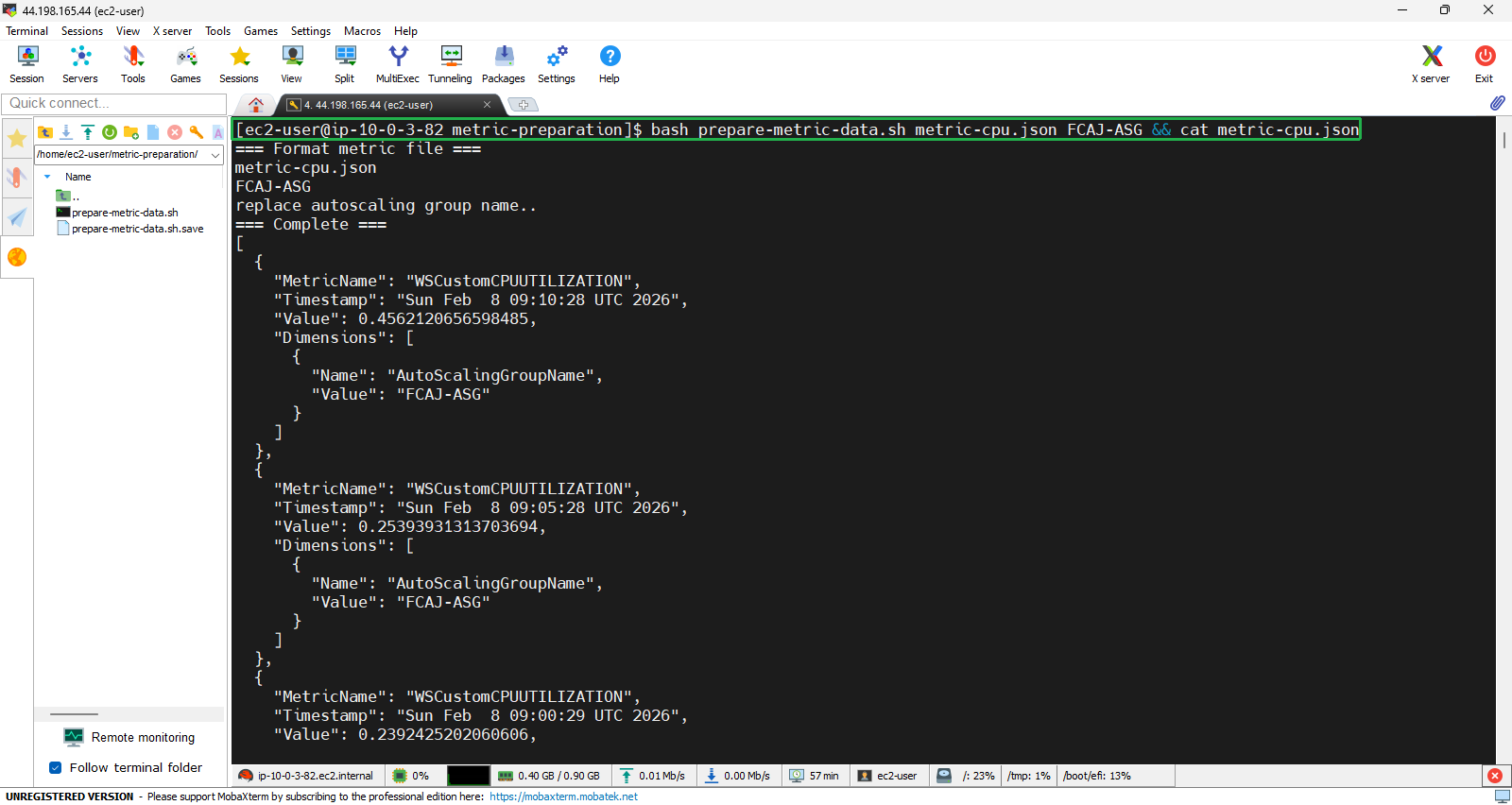
- Edit the two types of data one by one, starting with CPU.
bash prepare-metric-data.sh metric-cpu.json FCAJ-ASG && cat metric-cpu.json
- Then proceed with the instance data.
bash prepare-metric-data.sh metric-instances.json FCAJ-ASG && cat metric-instances.json
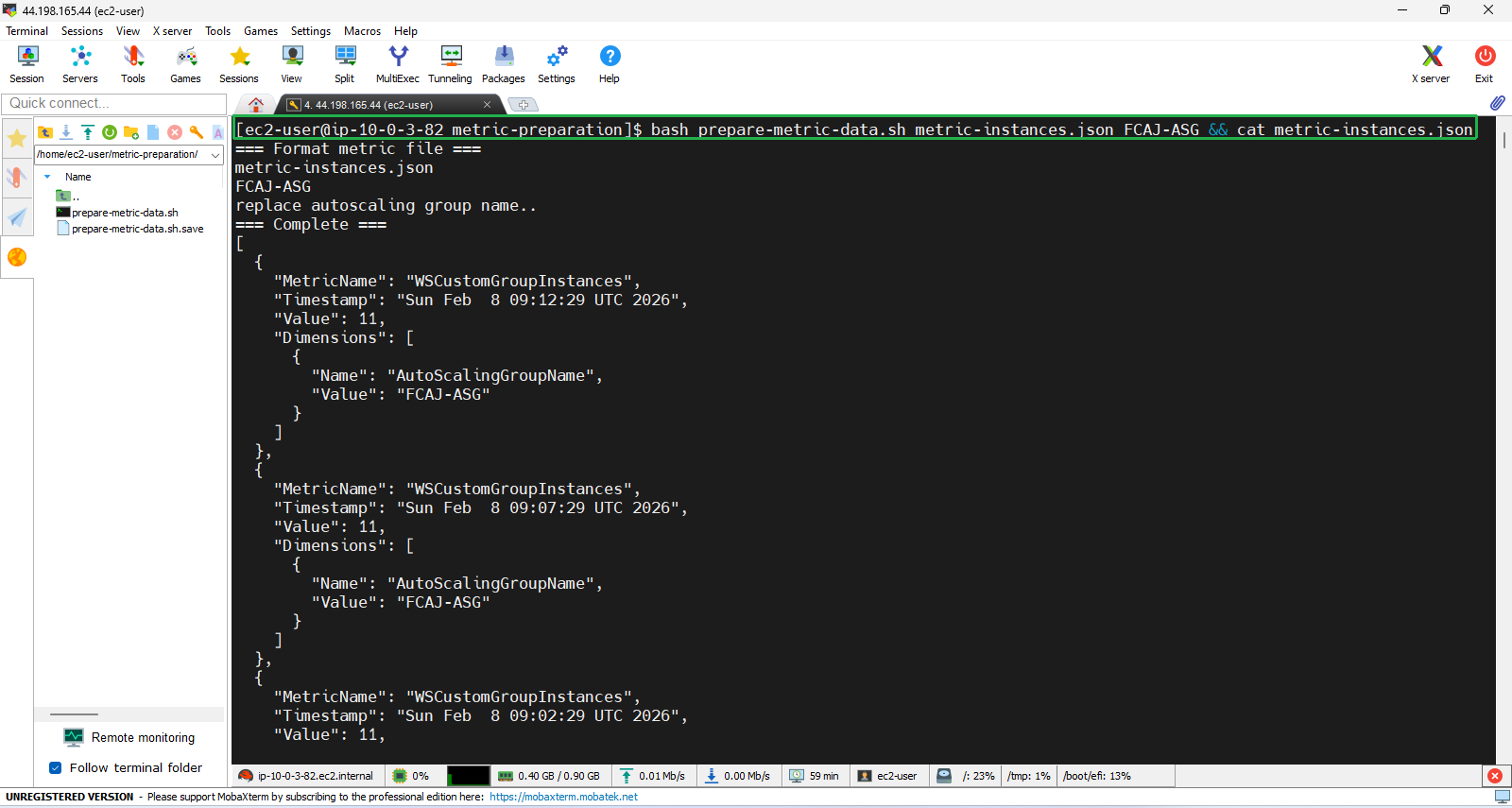
The parameter FCAJ-ASG that appears in the two commands above is the name of the Auto Scaling Group that we will create later. Therefore, you need to create an ASG with the same name afterward, or you should change it to a different name now.
Upload Data to CloudWatch
In Amazon Linux 2023, if you are using the correct AMI, AWS CLI is pre-installed. At this point, you only need to configure the credentials. Remember that you must have an IAM User with sufficient permissions to upload data to CloudWatch or at least enough to complete this workshop.
- Go to the IAM page, open the IAM User details, and get the Access Key Id and Secret Access Key. If you don’t have one, create a new one.
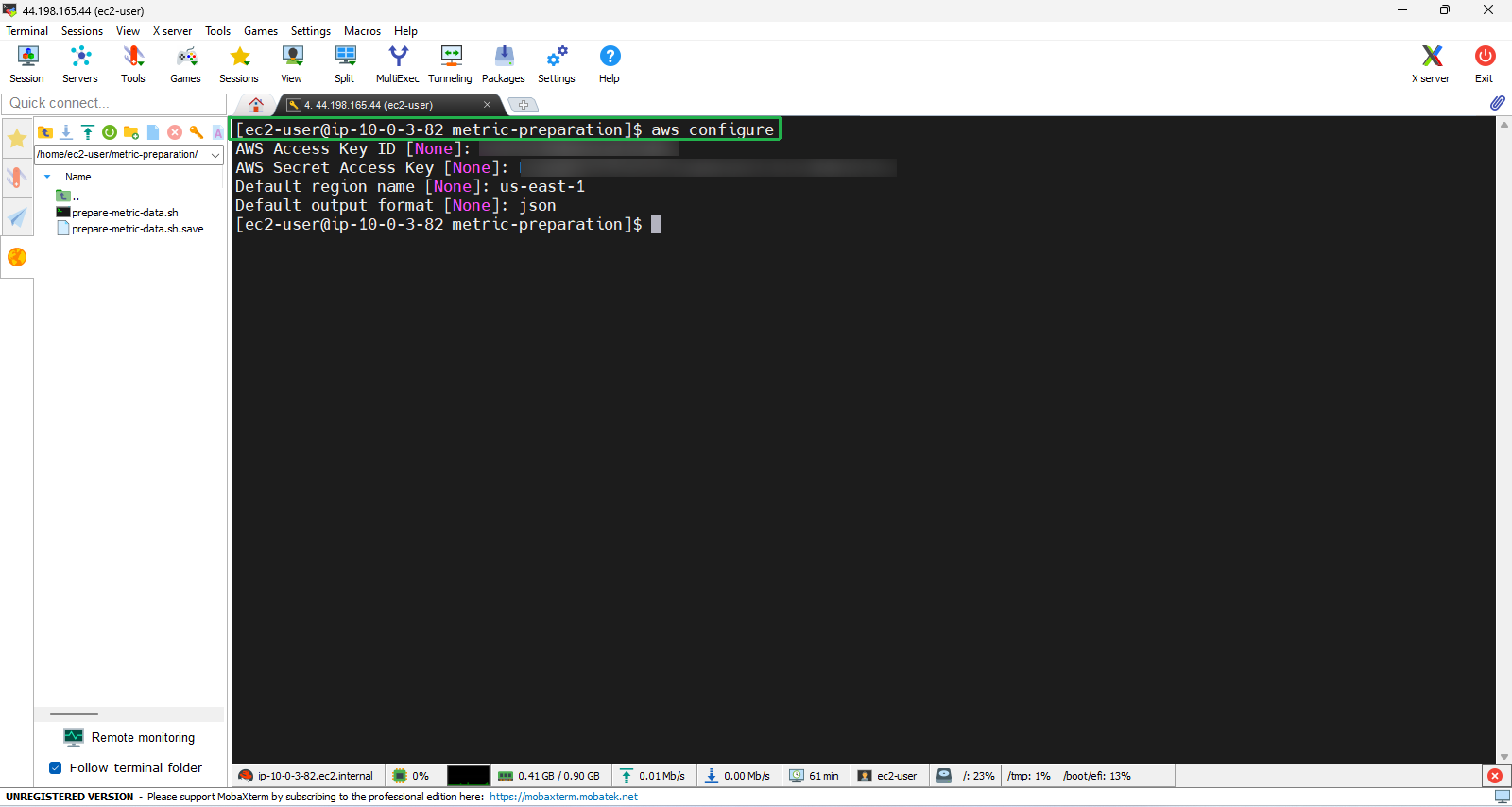
aws configure
- And configure the credentials.
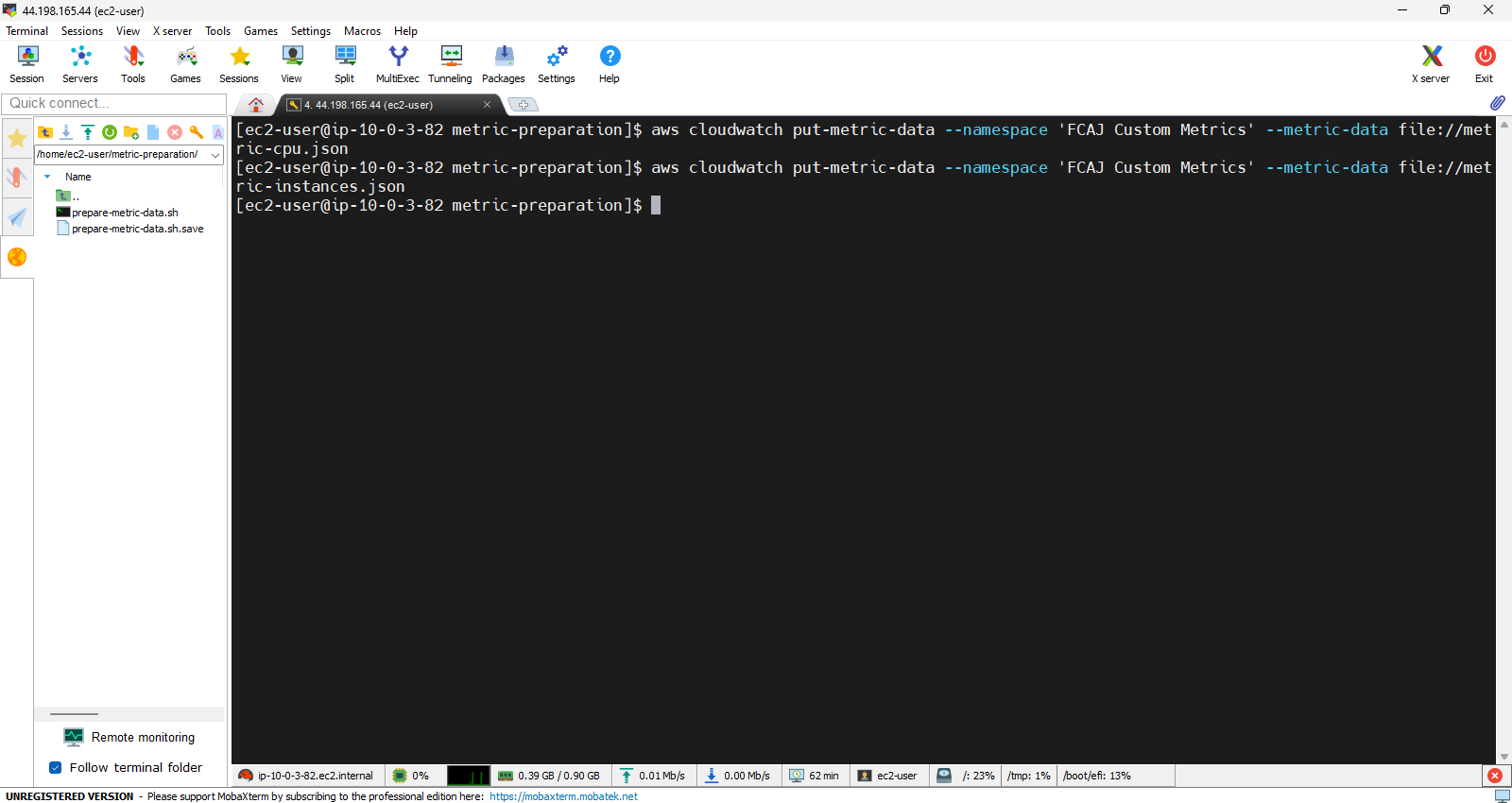
- After that, upload the two data files we prepared earlier to CloudWatch.
aws cloudwatch put-metric-data --namespace 'FCAJ Custom Metrics' --metric-data file://metric-cpu.json
aws cloudwatch put-metric-data --namespace 'FCAJ Custom Metrics' --metric-data file://metric-instances.json
Verification
- Finally, we will check the results in CloudWatch.
- Search for
CloudWatch - Click to enter the CloudWatch Console.
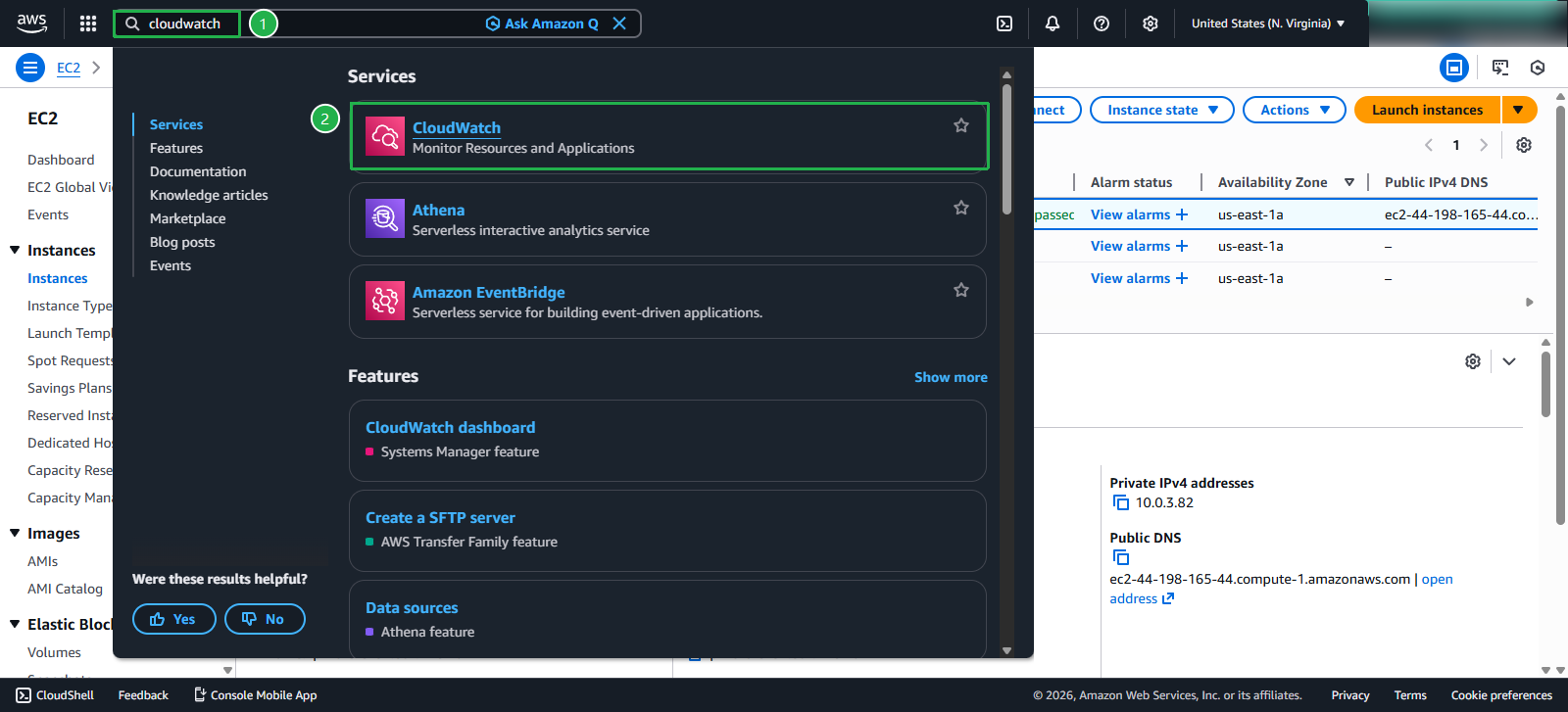
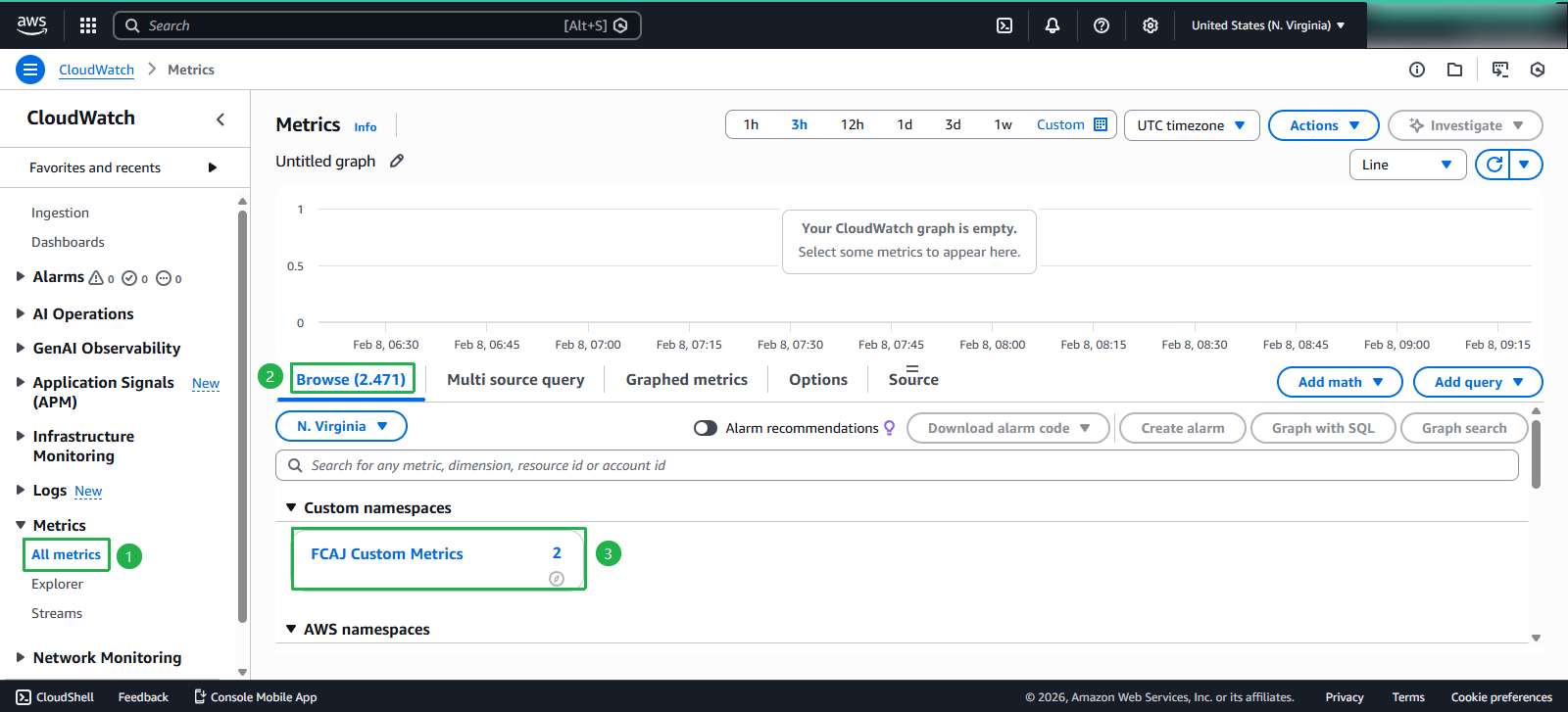
- In the CloudWatch Console:
- Select All metrics
- Choose FCAJ Custom Metrics
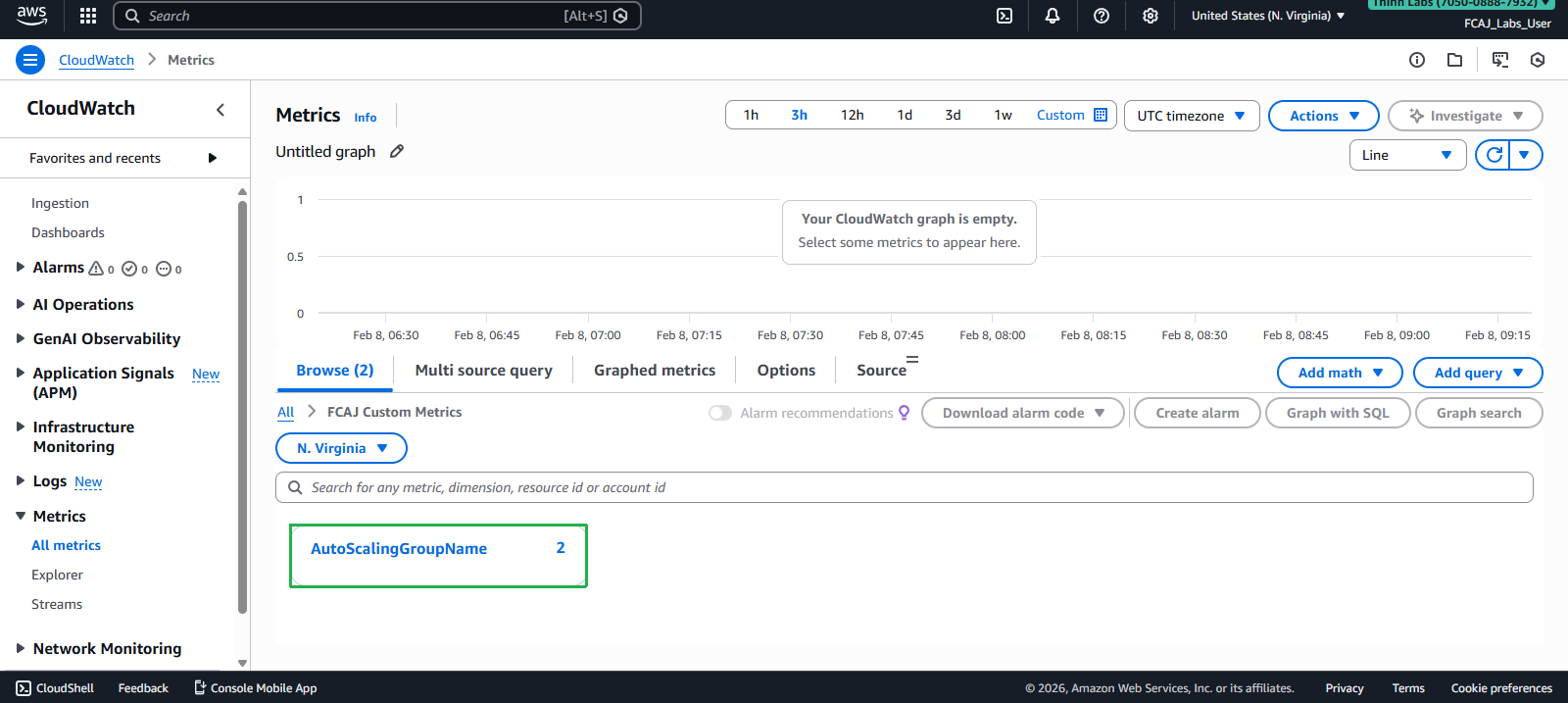
- Next, select AutoScalingGroupName.
- Then, select the two parameters as shown in the image, and wait for some time to receive the results.
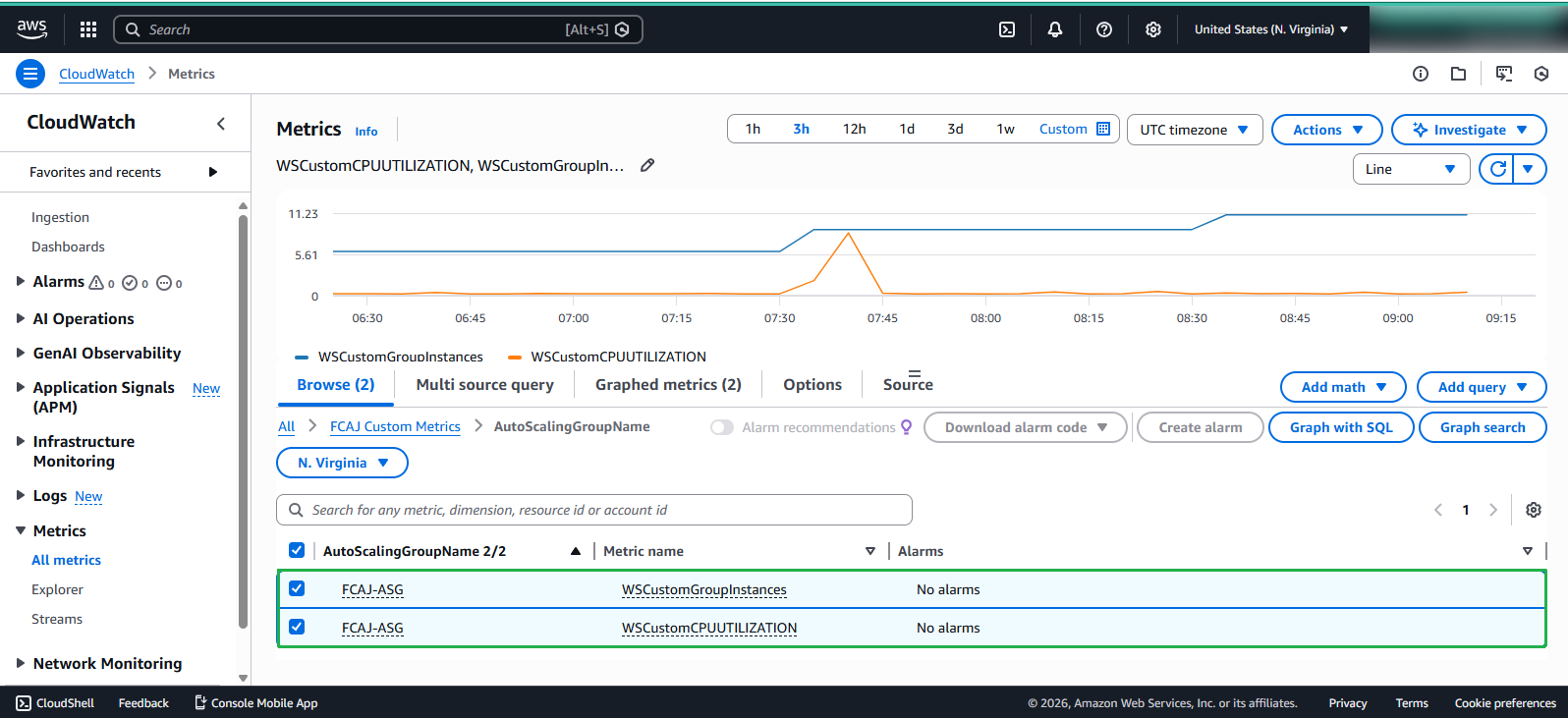
We will have to wait about 30 minutes or longer for CloudWatch to process the data. Instead of waiting, we can proceed with the next sections.