Deploy Web Server
- Install Node Version Manager (nvm) by entering the following command into the terminal:
curl -o- https://raw.githubusercontent.com/nvm-sh/nvm/v0.40.3/install.sh | bash
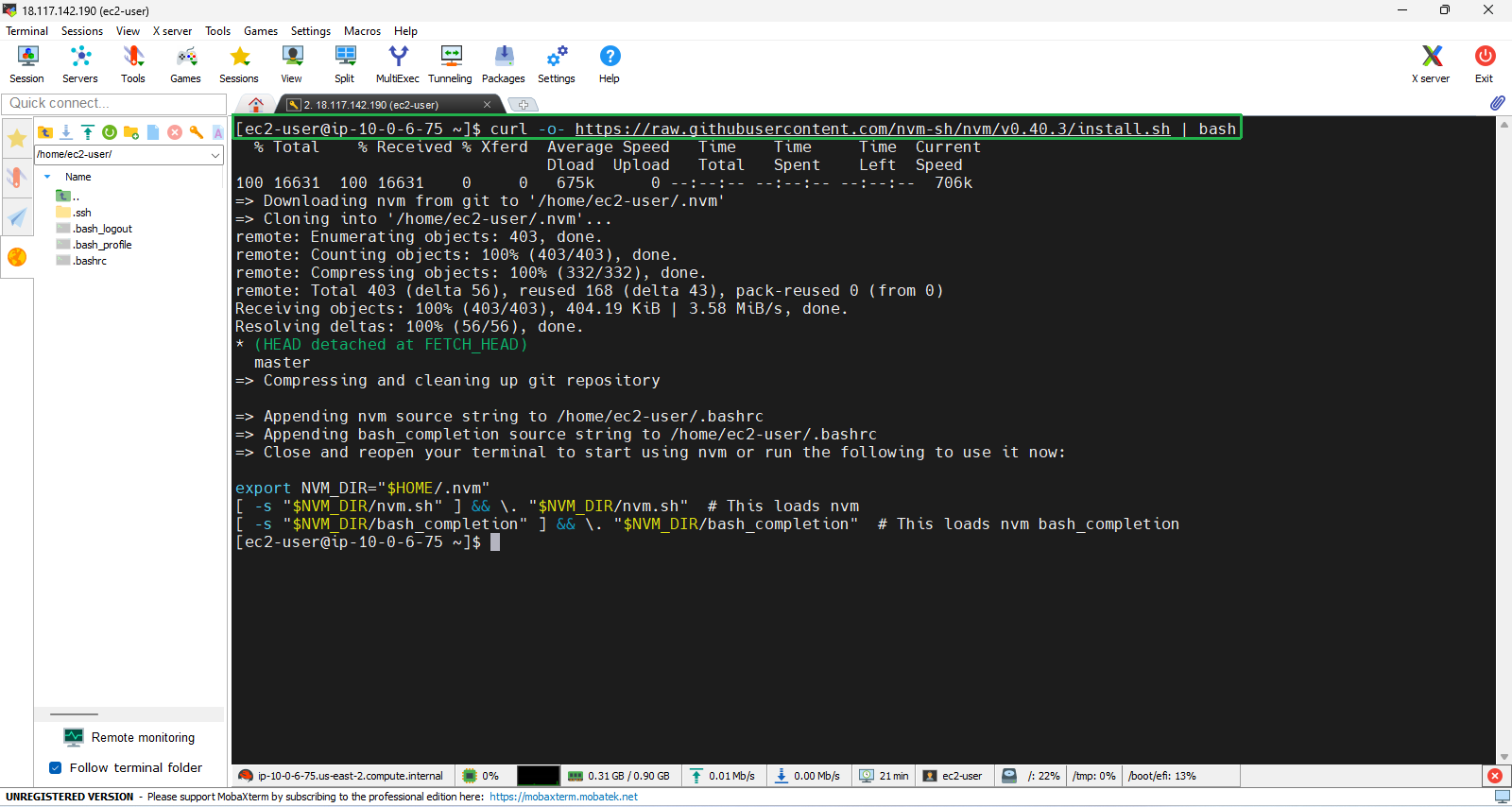
- Run the following three lines of commands in your terminal exactly as they appear to immediately start using nvm without having to close and reopen the terminal:
export NVM_DIR="$HOME/.nvm"
[ -s "$NVM_DIR/nvm.sh" ] && \. "$NVM_DIR/nvm.sh"
[ -s "$NVM_DIR/bash_completion" ] && \. "$NVM_DIR/bash_completion"
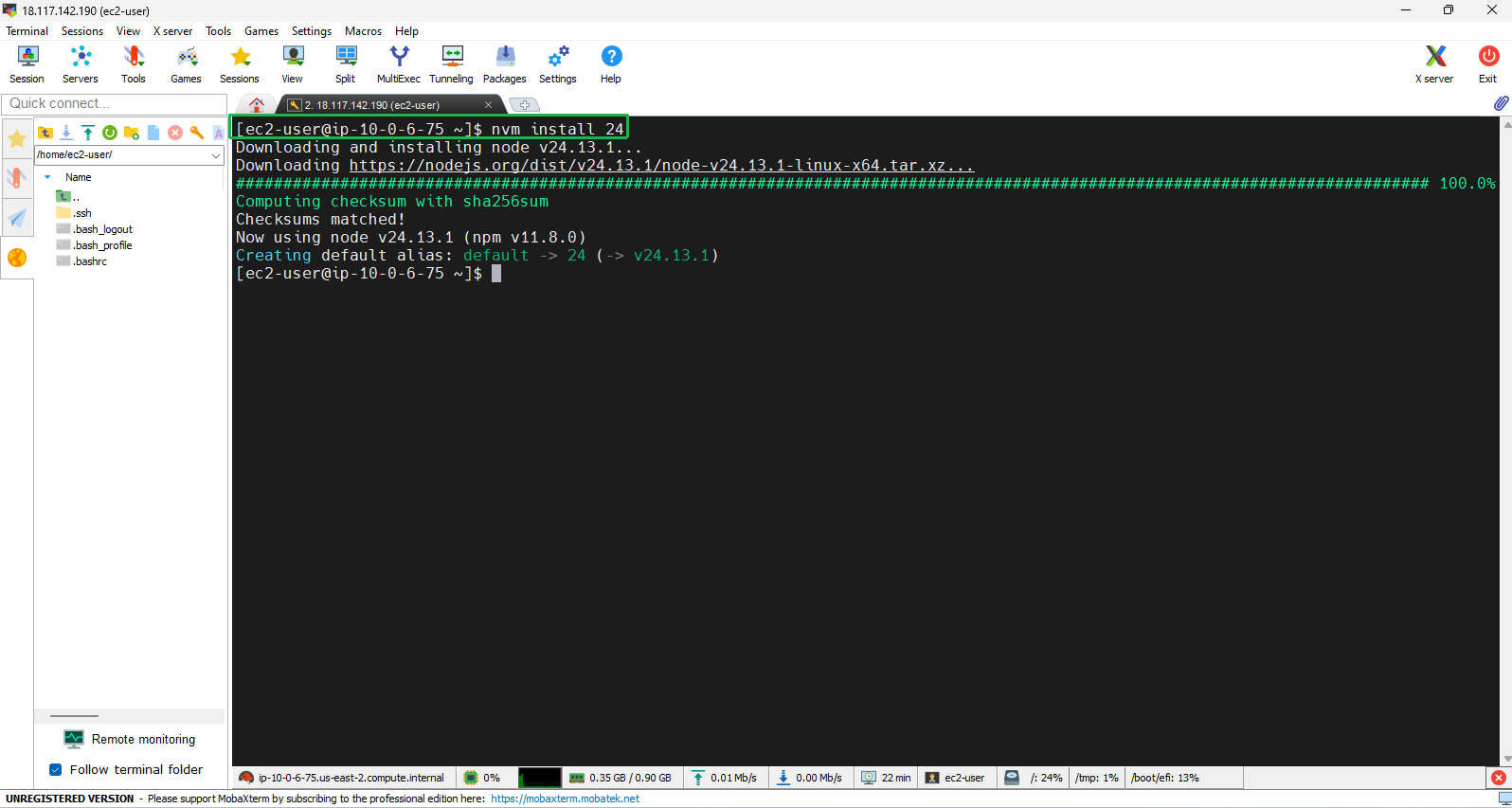
- To install Node.js using nvm, enter the following command in the terminal.
nvm install 24
- Clone the application repository by running the following command in your terminal:
git clone https://github.com/thienluhoan/000006-EC2.git
- Navigate to the directory for lab 000006-EC2
cd 000006-EC2
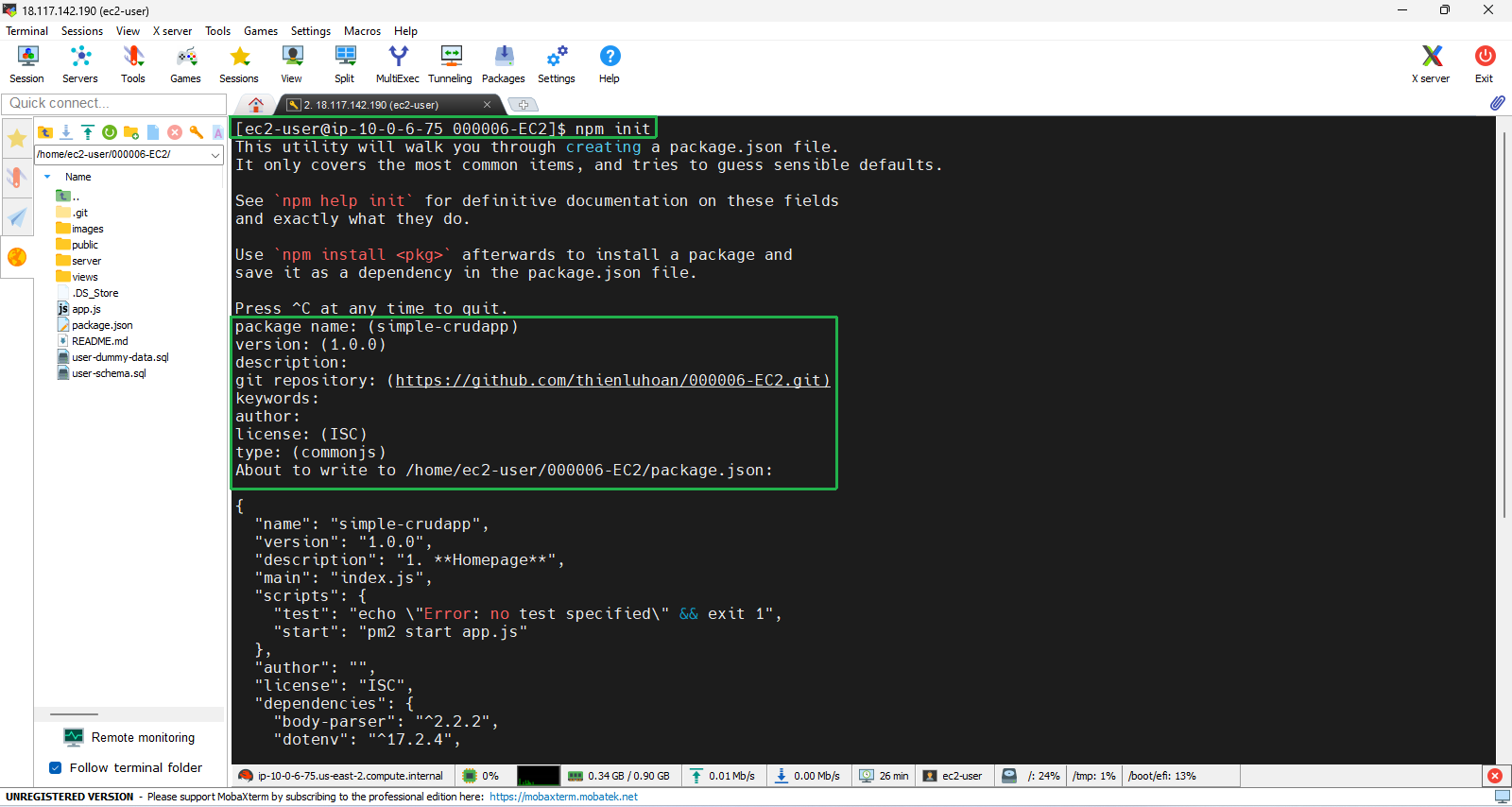
- NPM, short for Node Package Manager, is a vital tool for managing JavaScript libraries and dependencies in Node.js applications.When you run the command npm init, it initializes a new Node.js project and creates a package.json file. This file contains metadata about the project, such as its name, version, description, and a list of dependencies.
npm init
- You should press Enter continuously to create the default value
- Install pm2 globally; PM2 is used to manage and monitor running Node.js applications. It allows applications to run in the background.
npm install pm2 -g && npm install
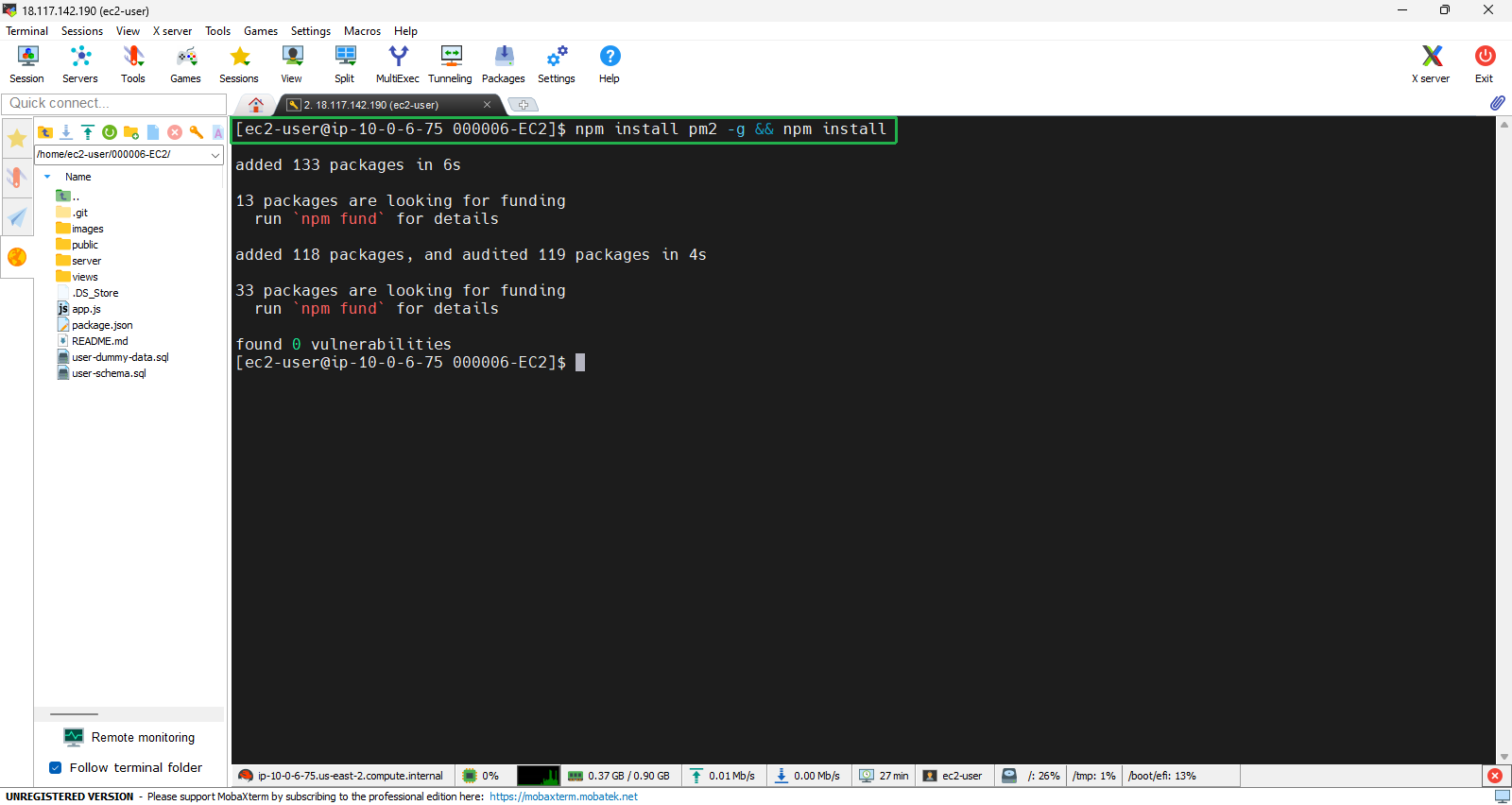
- Next, we user pm2 to run the application. This will allow our application to run in the background:
pm2 start app.js
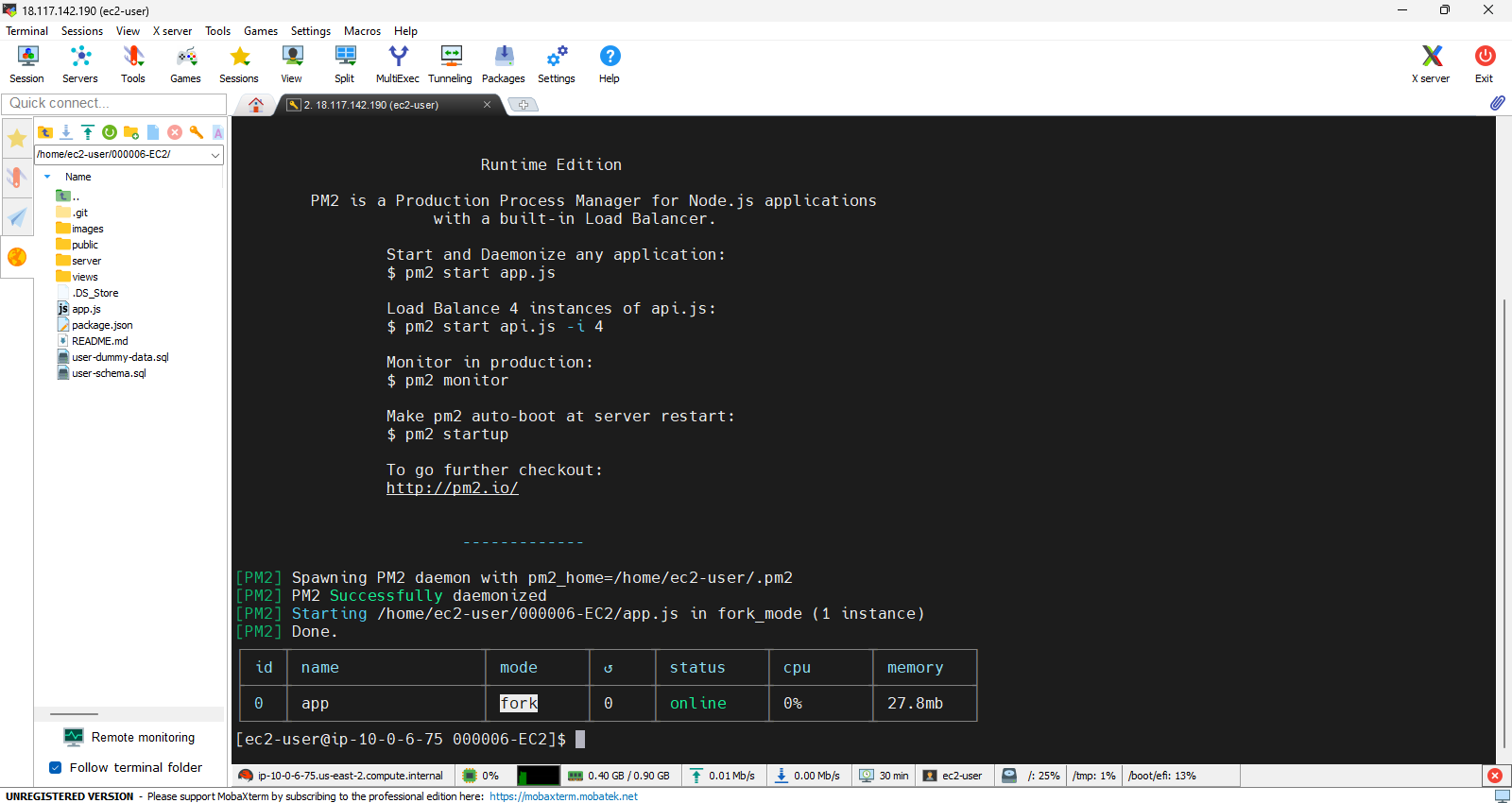
Enter
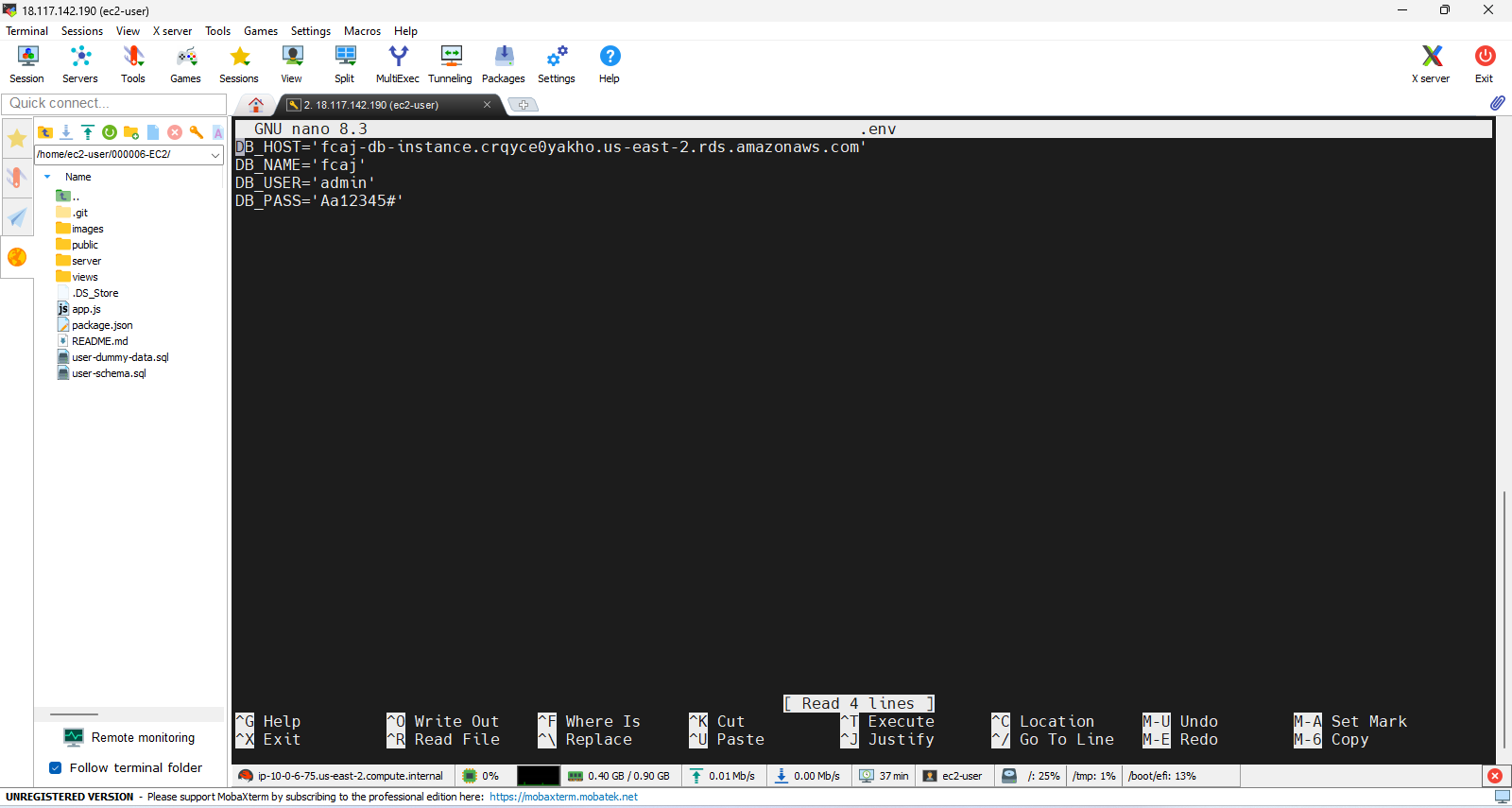
touch .env && nano .envto enter environmental variablesContinue using nano to access the .env file, then enter the following content to set up the connection to the database.
DB_HOST='YOUR-RDS-ENDPOINT'
DB_NAME='fcaj'
DB_USER='admin'
DB_PASS='Aa12345#'
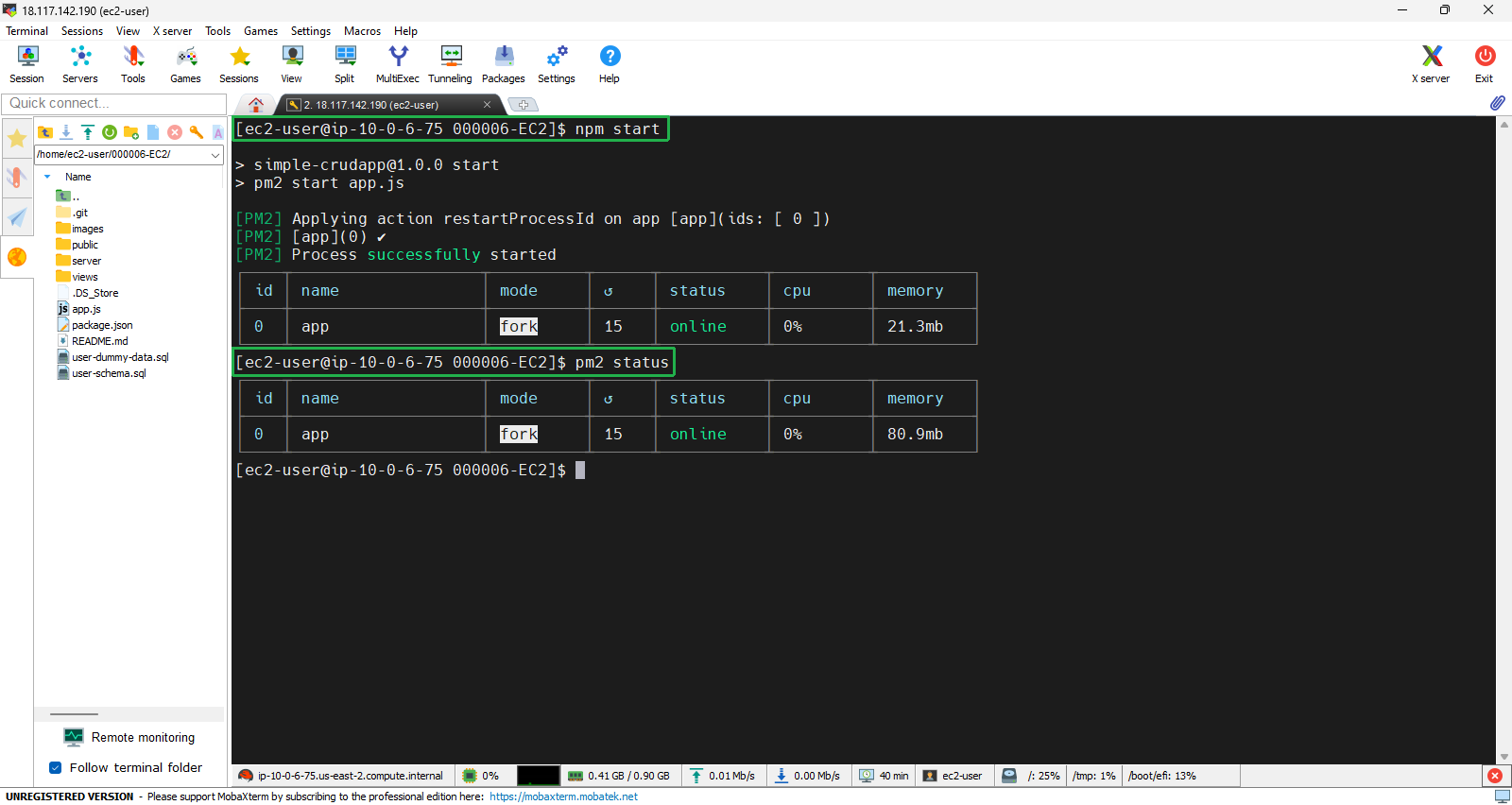
- Proceed to start the application.
npm start
- The command
pm2 statusin PM2 is used to display the current status of all applications being managed by PM2. When you run this command, you’ll receive an overview of each application, including details like their state (running, stopped, etc.), memory usage, CPU usage, and the number of restarts. This helps in monitoring the performance and health of your Node.js applications effectively.
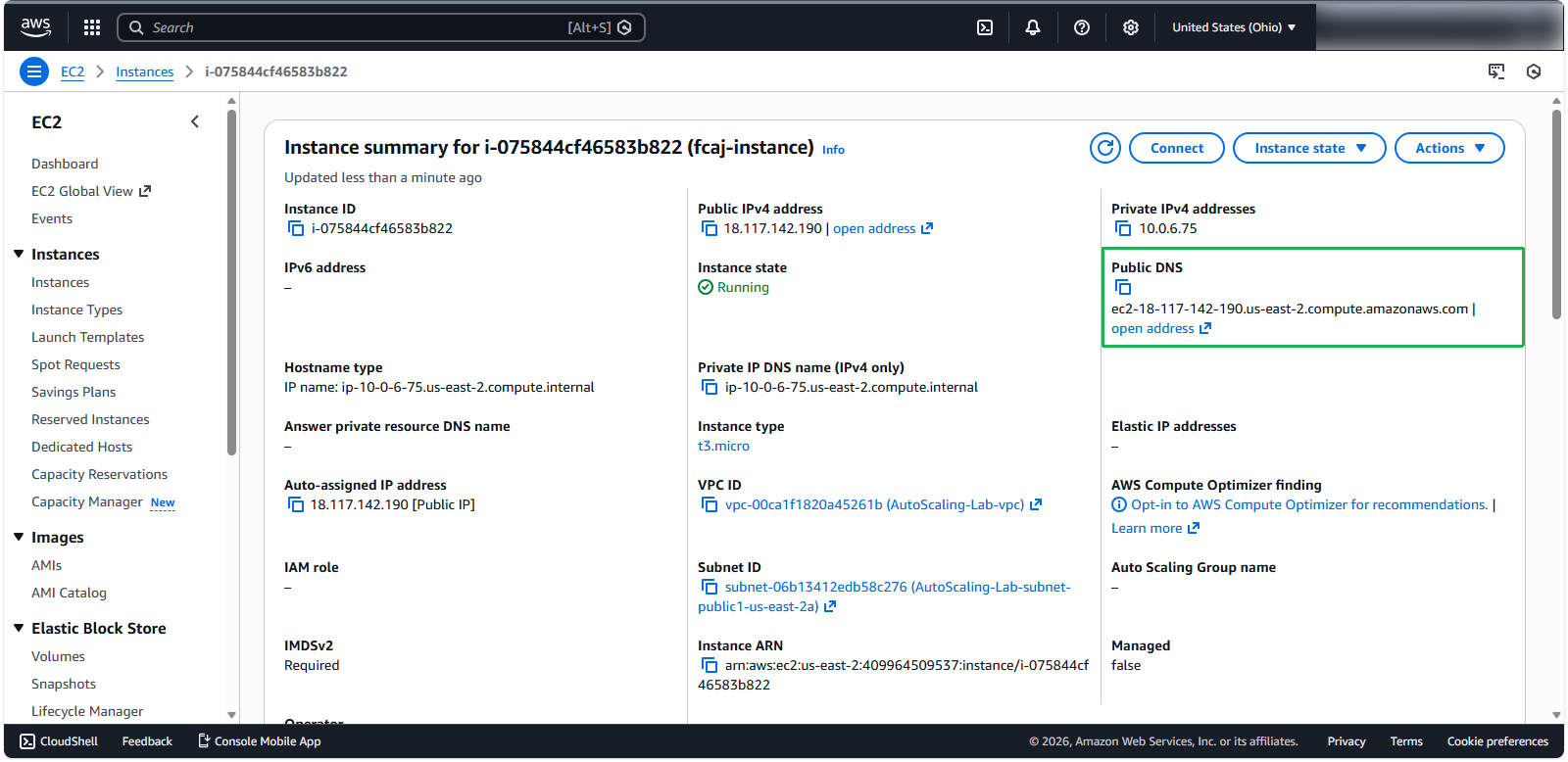
- Next, we need to obtain the public DNS of the instance so that we can access the application from the browser.
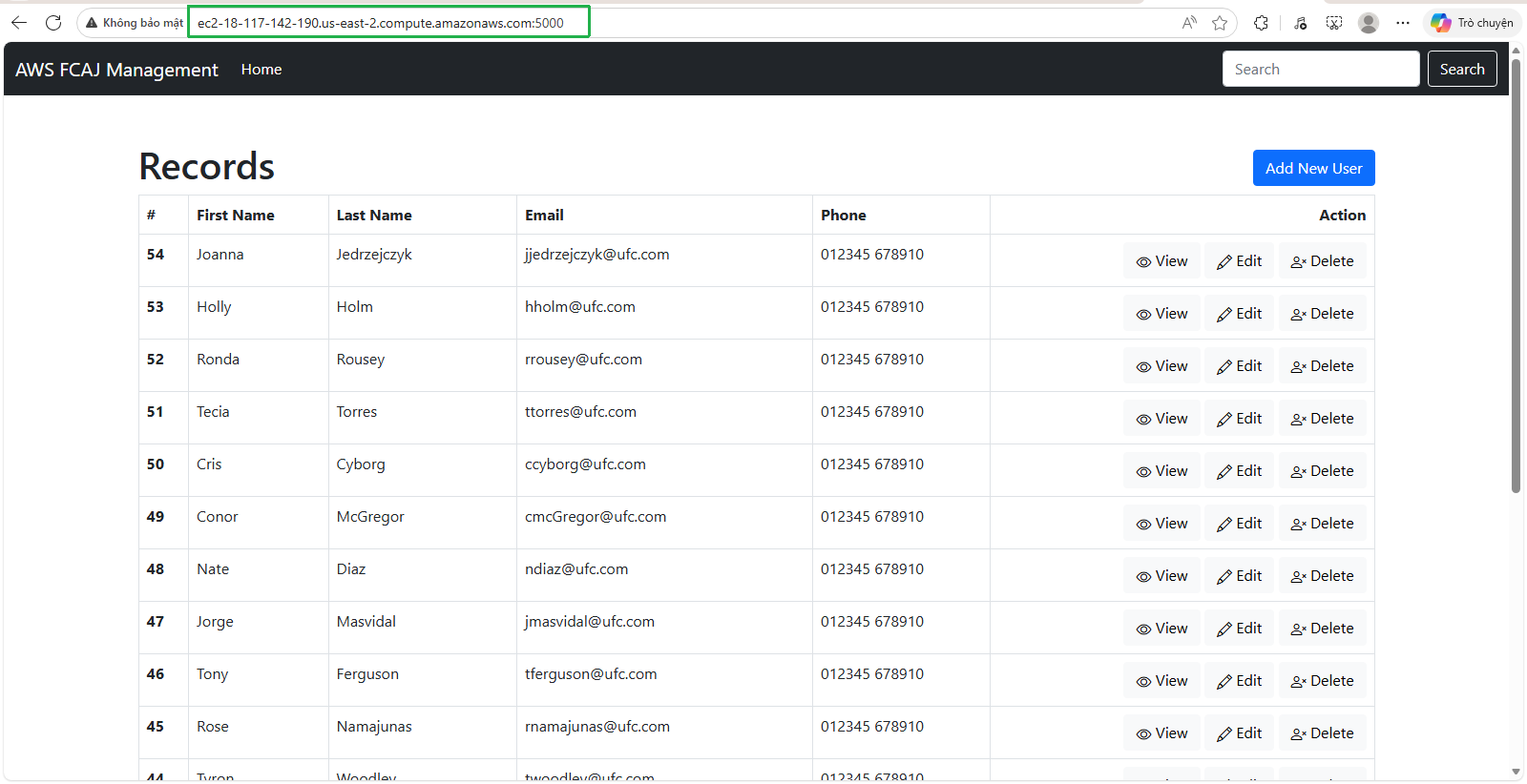
- Our application is running stably: YOUR-PUBLIC-DNS:5000
- Next, we use the command
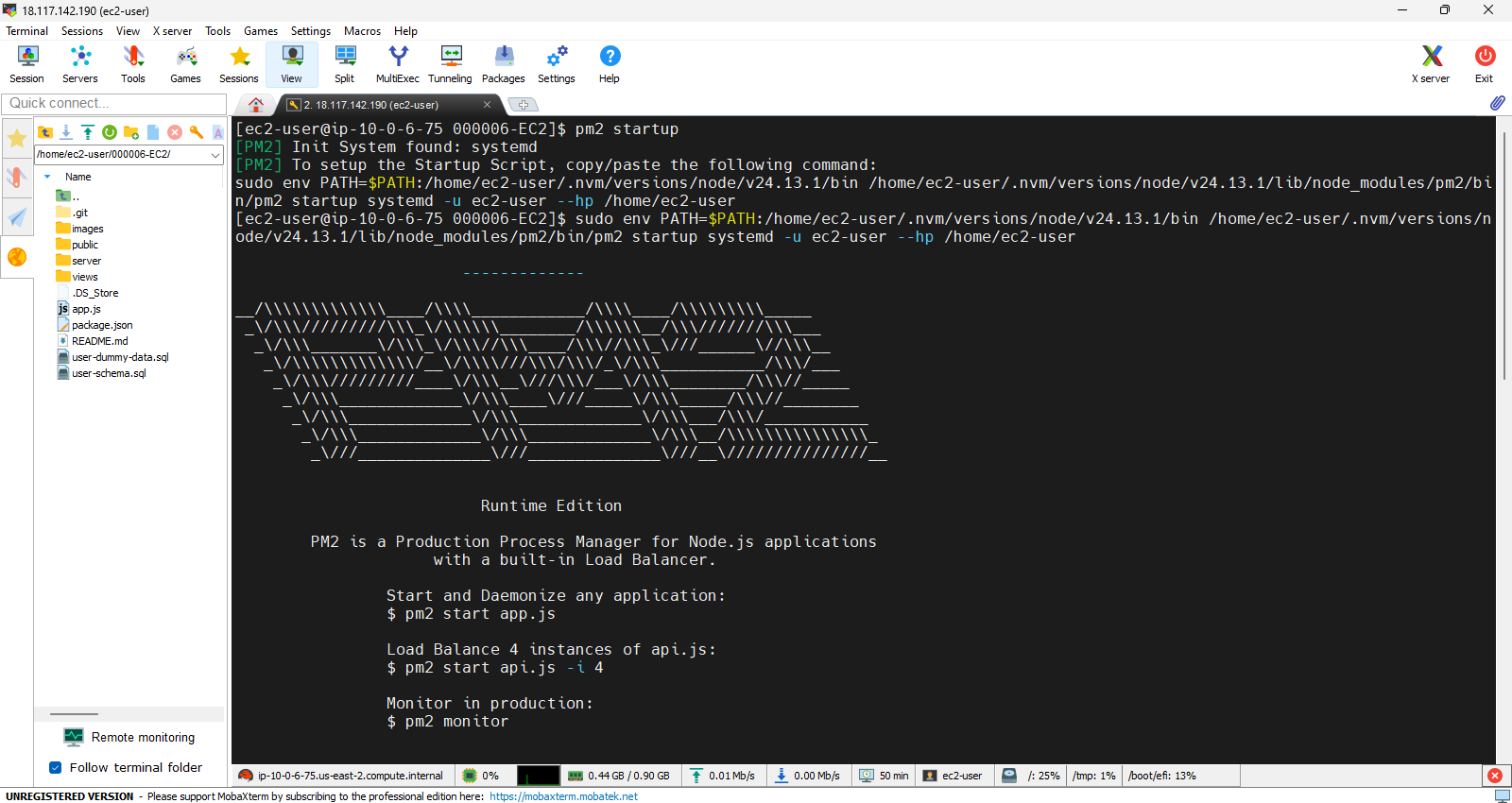
pm2 startupto configure PM2 to automatically restart applications when the server reboots. We continue excute the following command:
sudo env PATH=$PATH:/home/ec2-user/.nvm/versions/node/v24.13.1/bin /home/ec2-user/.nvm/versions/node/v24.13.1/lib/node_modules/pm2/bin/pm2 startup systemd -u ec2-user --hp /home/ec2-user
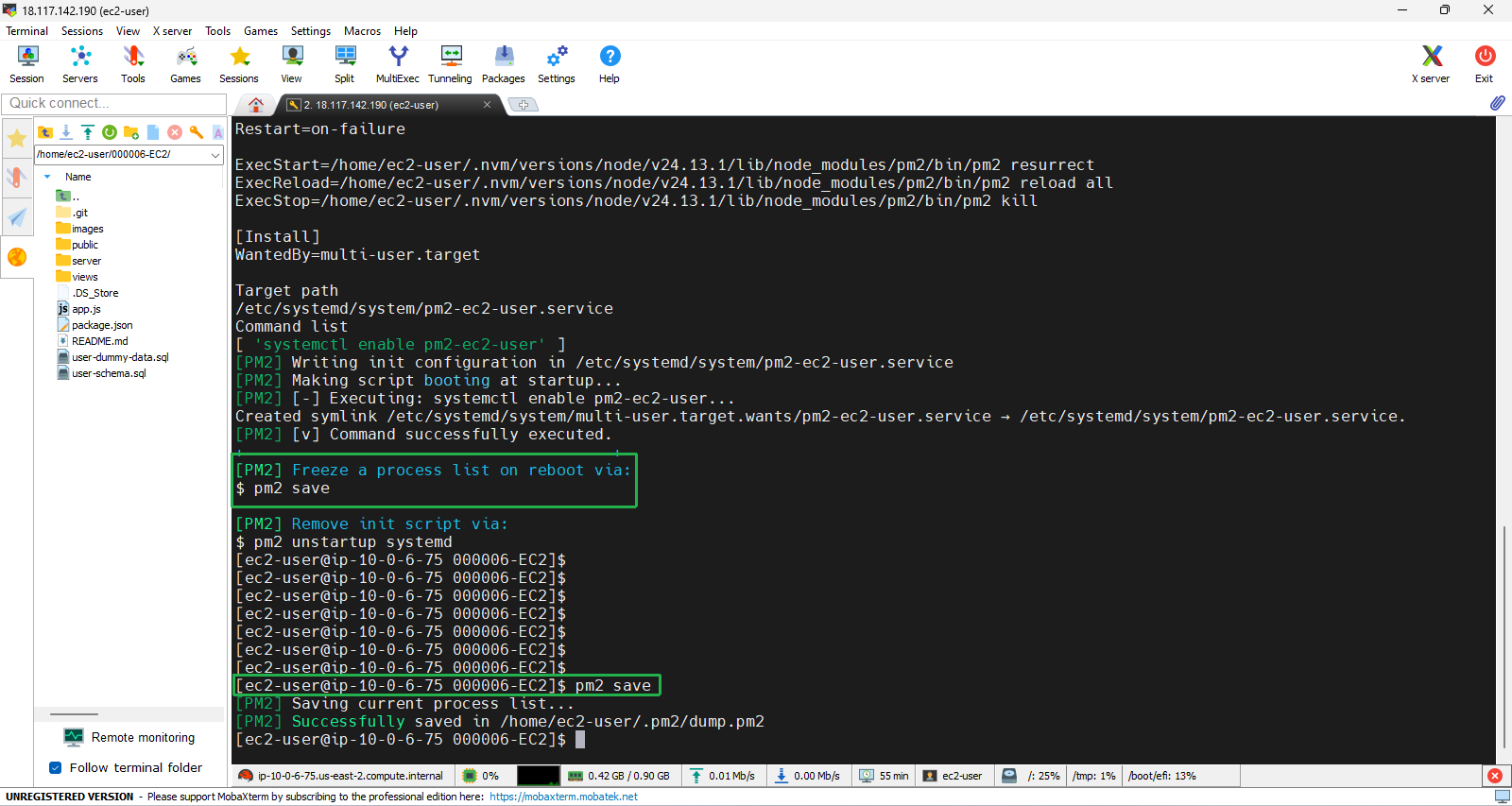
- Finally, type
pm2 saveto save your configurations